
By default, all of our web hosting accounts come with PHP 8.3. However, you are able to easily change your active PHP version at any time.
Easy Guide
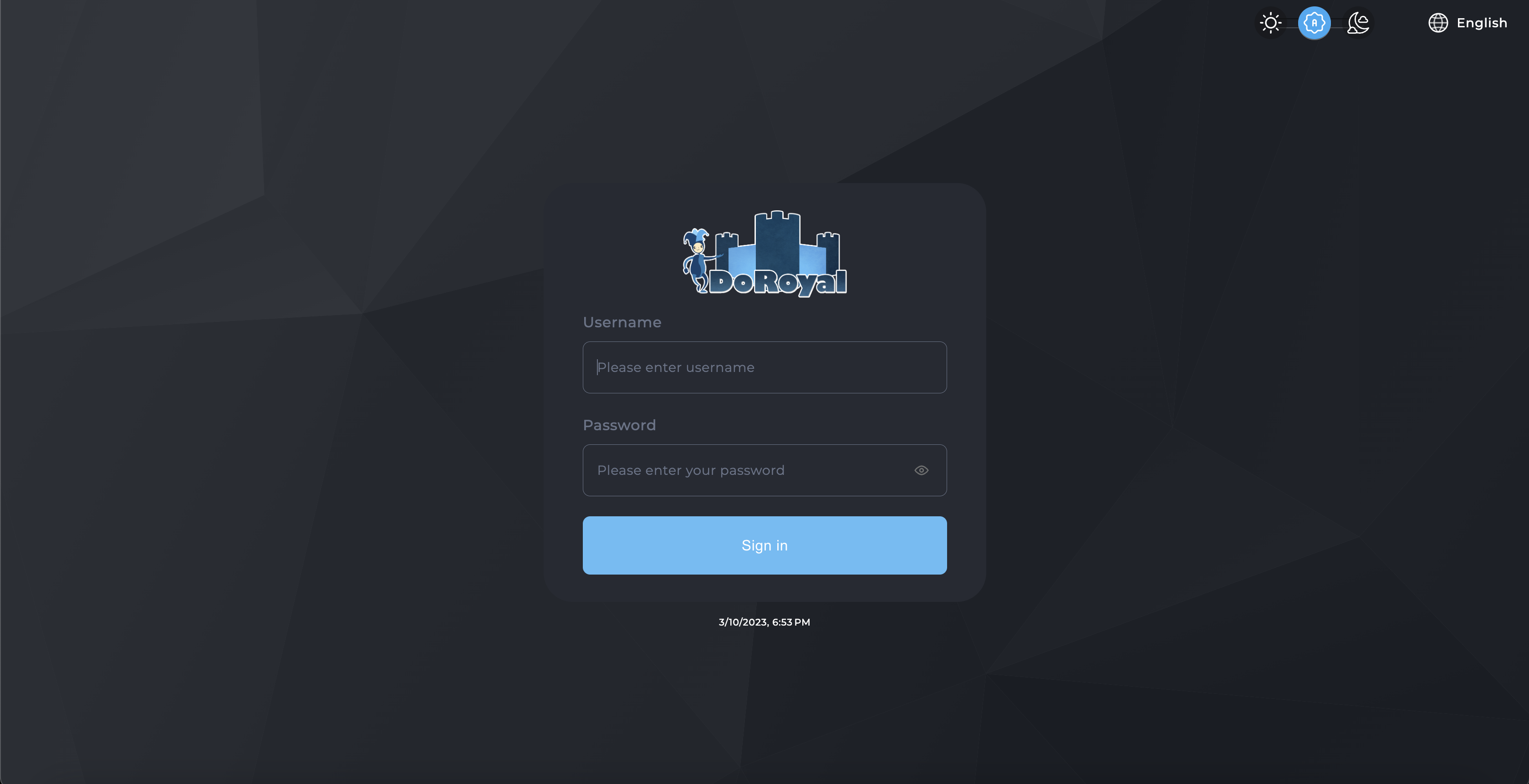
1. Sign into your DirectAdmin account.
2. Click the 'Select PHP Version' icon under Extra Features

3. Choose your desired PHP version.
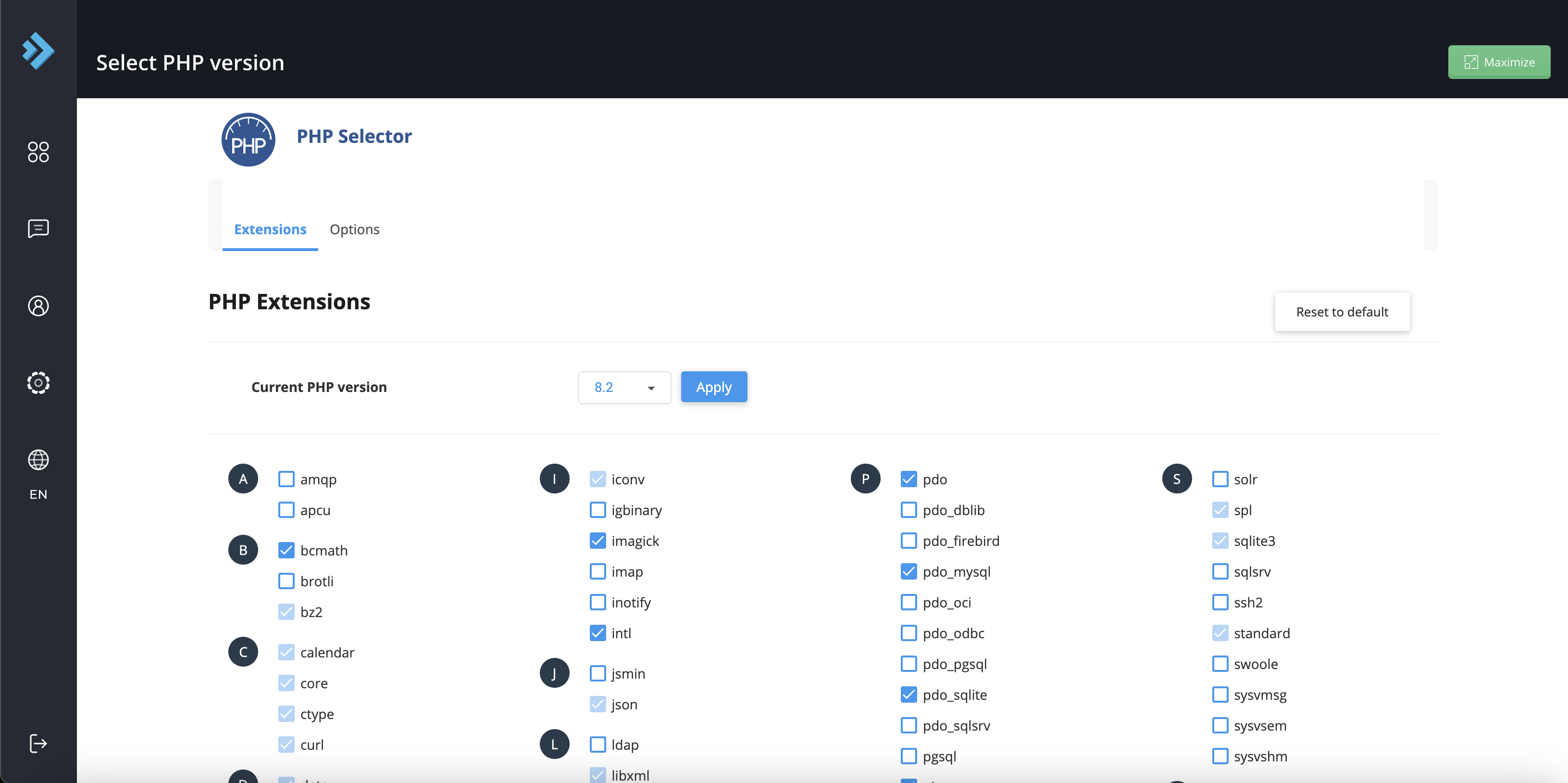
3.a. [optional] Pick and choose individual PHP features, and hit save.
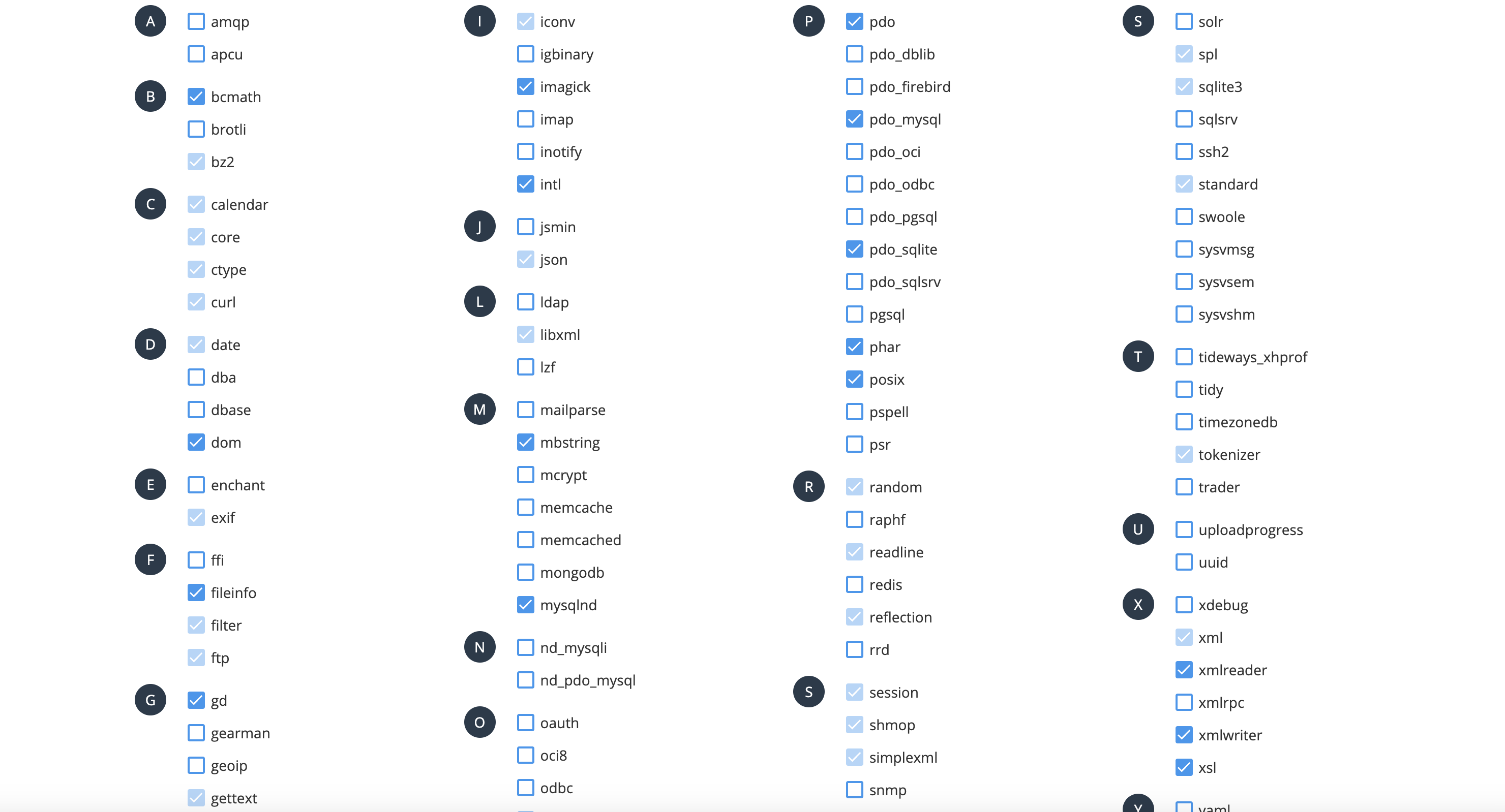
That's it! You've successfully changed your active PHP version, and can now take full advantage of all the new (or old) features PHP has to offer!
Warnings & Precautions
Before you go ahead and change your PHP configuration, you should take note of the following.
1. The native version of PHP is optimized for the best hosting experience, and ensures compatibility with almost every web script available. Changing to something other than the native version may cause script incompatibilities, or render errors with certain online applications.
2. You cannot have two separate versions of PHP running under one account.
